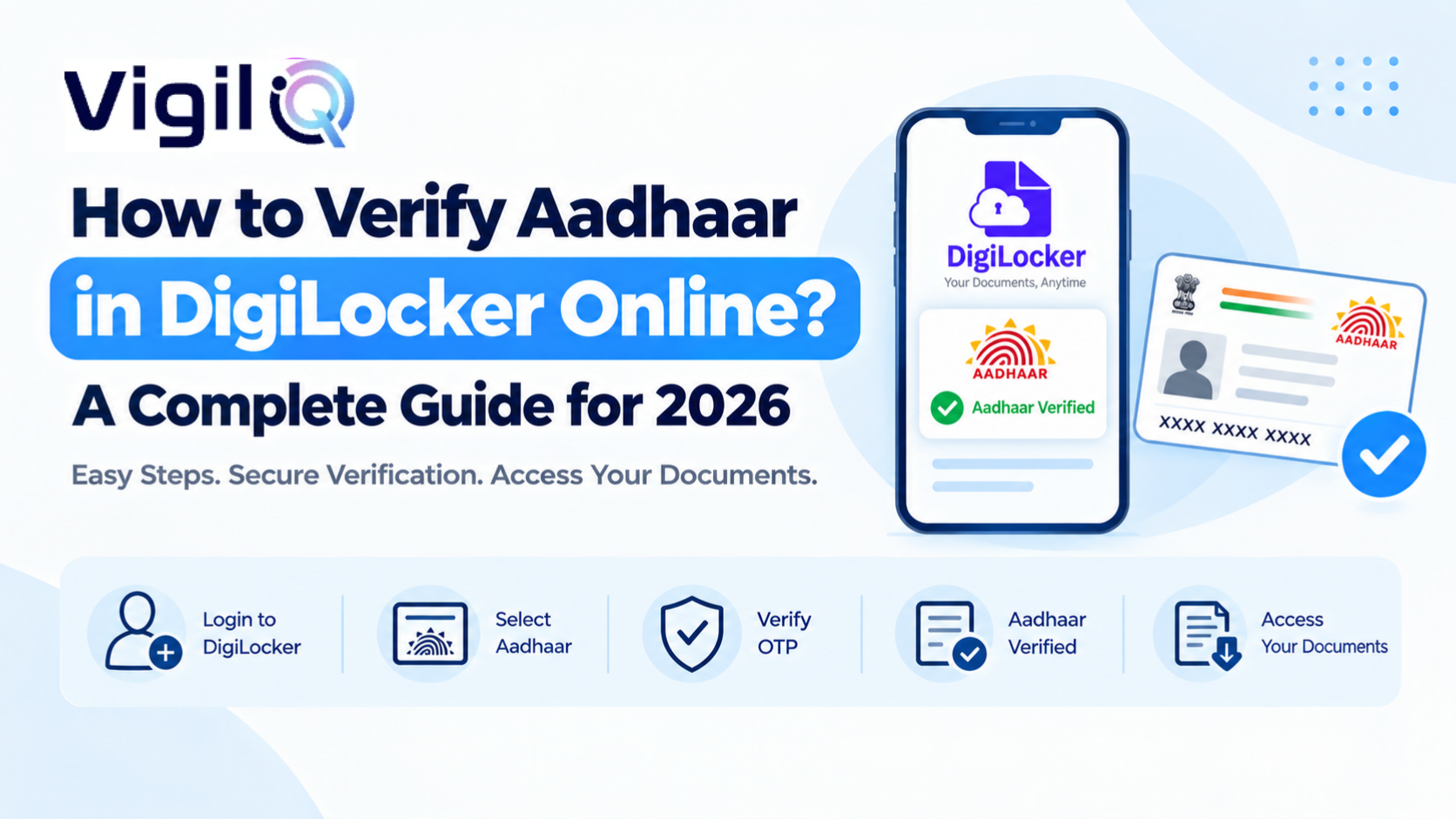
Aadhaar has become the backbone of digital identity in India, and verifying it correctly matters more than ever. Whether you are opening a bank account, applying for a job, or completing KYC for a loan, reliable DigiLocker Aadhaar verification services in India help you confirm identity in minutes instead of days.
DigiLocker, the government’s official digital document wallet, links directly with UIDAI to pull a verified copy of your Aadhaar, removing the need for physical photocopies. Over 220 million Indians already use DigiLocker, and Aadhaar remains the single most requested document inside it.
In this guide, we will walk through the exact steps to verify Aadhaar on DigiLocker, common errors people run into, and why businesses increasingly rely on trusted partners like Vigiliq Global to manage verification at scale.
DigiLocker Aadhaar Verify Process: A Step-by-Step Walkthrough
Getting your Aadhaar verified through DigiLocker is simpler than most people expect. The entire process takes less than five minutes if your mobile number is linked to Aadhaar, and no paperwork ever leaves your phone.
Creating Your DigiLocker Account with Mobile and Aadhaar Number
Visit the DigiLocker website or download the app, then sign up using your mobile number. You will receive an OTP that confirms your identity before you can move further into the verification screen.
Fetching Your Aadhaar Card Directly from UIDAI Records
Once inside your account, select “Aadhaar Card” from the list of issued documents. DigiLocker fetches the record straight from UIDAI servers, so the copy you see is always current and tamper-proof.
Confirming the e-Aadhaar with a One-Time Password
A second OTP, sent to your Aadhaar-linked number, confirms consent. Within seconds, a digitally signed e-Aadhaar appears in your DigiLocker “Issued Documents” folder, ready to download or share.
Downloading, Sharing, or Printing the Verified Copy
Once fetched, the e-Aadhaar can be downloaded as a PDF, shared through a secure link, or printed for offline use. Every copy carries a digital signature that any officer or bank can verify instantly.
What to Do if the Aadhaar Record Does Not Appear
Occasionally, a record fails to load on the first attempt because of a temporary UIDAI server delay. Waiting a few minutes and retrying, or checking that your Aadhaar number is entered without spaces, resolves the issue in almost every case.
Identity Verification Services in India: Why Businesses Need Them
Manual document checks are slow, error-prone, and easy to forge. That is exactly why identity verification services in India have grown so quickly over the past three years, with adoption jumping across banking, fintech, and HR sectors, according to recent industry estimates.
Reducing Fraud Through Government-Linked Data Sources
When verification pulls data straight from UIDAI through DigiLocker, there is no room for edited PDFs or fake scans. Every field, from name to address, matches the government’s own record, cutting fraud attempts by a wide margin.
Speeding Up Onboarding for Banks, NBFCs, and Employers
A process that once took two to three working days can now finish in under 10 minutes. Faster onboarding means fewer drop-offs and a smoother first experience for the customer or new hire.
Lowering Operational Costs for Compliance Teams
Physical verification involves printing, courier, and manual filing costs that add up quickly at scale. A digital-first approach can cut per-record verification costs by 40 to 60 percent for mid-sized companies.
Improving the Customer Experience During Sign-Up
Long forms and repeated document uploads frustrate users and increase drop-off during sign-up. A one-tap DigiLocker fetch replaces several manual steps, which keeps more applicants engaged through to the final stage.
Aadhaar Authentication Online in India: Security and Compliance Explained
Security concerns are common when people first hear about digital Aadhaar checks. The good news is that this method follows strict UIDAI protocols designed to protect personal data at every step, and it remains one of the safer ways to confirm identity online in India today.
How OTP-Based Authentication Protects Your Information
Every authentication request requires a live OTP sent only to the registered mobile number. Nobody can complete verification without physical access to that phone, which blocks the vast majority of impersonation attempts.
Data Masking and Consent-Based Sharing Explained
Users can choose masked Aadhaar, which hides the first eight digits and shows only the last four. This single feature has cut unnecessary data exposure by a wide margin across masked downloads.
What UIDAI Guidelines Say About Data Retention
UIDAI rules limit how long an organisation can store Aadhaar data and require explicit consent before each use. Companies that ignore these rules risk penalties, so working with compliant partners matters as much as speed.
Comparing Digital Authentication with Offline Verification Methods
Offline verification still exists through Aadhaar Seva Kendras and physical KYC forms, but it usually takes days and involves handling sensitive paperwork. Aadhaar authentication online in India removes most of that friction, cutting turnaround from days to minutes while keeping a clear digital audit trail for compliance teams.
DigiLocker Aadhaar Verify Process for Businesses: Bulk and API-Based Checks
Individual verification is straightforward, but companies handling hundreds or thousands of records need a different approach involving direct system integration rather than manual entry.
Integrating DigiLocker APIs into Existing HR and Banking Systems
Developers can connect approved APIs directly into onboarding portals, so an applicant’s Aadhaar gets verified the moment they submit a form, without a human ever touching the raw document.
Why Partnering with a Specialist Saves Time and Reduces Errors
Building and maintaining compliant integrations in-house is expensive and often takes months. Vigiliq Global handles the technical groundwork for companies that want dependable DigiLocker Aadhaar verification services in India without hiring a dedicated engineering team.
Choosing Between Manual Uploads and Automated Pipelines
Small teams verifying a handful of records each week may manage fine with manual uploads. Once volumes cross a few hundred records a month, an automated pipeline almost always pays for itself within a quarter.
Handling Peak Loads During Hiring Drives or Loan Campaigns
Seasonal hiring pushes or festive loan campaigns can spike verification volumes by three to four times overnight. Systems built for bulk checks handle these surges without the queues and delays that manual teams often struggle with.
Common Mistakes to Avoid During Aadhaar Verification
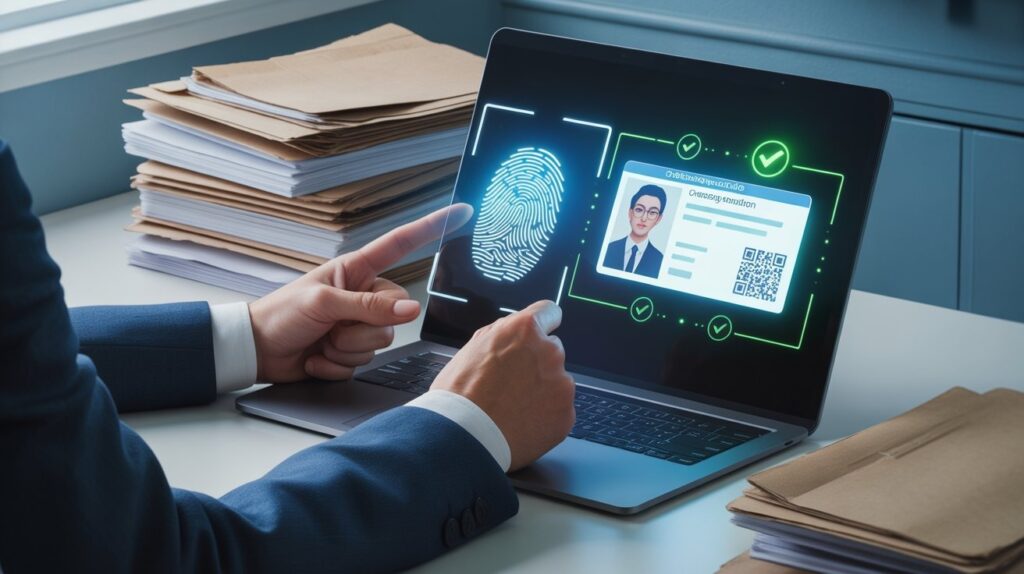
Even a simple process can trip people up. A few recurring mistakes account for most of the failed verification attempts DigiLocker sees each month.
Using an Outdated Mobile Number Linked to Aadhaar
If your registered number has changed, OTPs will never arrive. Updating your mobile number at an Aadhaar Seva Kendra before attempting verification saves a lot of frustration.
Entering Aadhaar Details with Typing Errors
A single wrong digit sends the request to a different record entirely. Double-checking the 12-digit number before submitting is a small habit that prevents most rejected attempts.
Ignoring Poor Network Connectivity During OTP Delivery
Weak signal areas often delay OTP delivery beyond the two-minute window, forcing users to restart the request. Switching to Wi-Fi or moving to an area with better reception usually solves this instantly.
Skipping the App Update Before Attempting Verification
DigiLocker periodically updates its verification flow to match new UIDAI requirements. An outdated app version can silently fail mid-process, so checking for updates before you begin saves a repeat attempt later.
Final Thoughts
Verifying Aadhaar through DigiLocker is fast, secure, and free for individuals, and it forms the foundation of trustworthy DigiLocker Aadhaar verification services in India for businesses that need identity checks at scale. Whether you are confirming your own identity or building a verification pipeline for thousands of users, understanding the underlying steps helps you avoid delays and rejected requests.
As adoption keeps rising across banking, hiring, and government services, digital-first verification is quickly becoming the default rather than the exception. For companies that would rather outsource this entirely, Vigiliq Global offers ready-made verification workflows built around UIDAI-approved methods, so onboarding stays fast without compromising on compliance.
| Ready to Automate Aadhaar Verification for Your Business?Let our identity verification specialists set up a fast, compliant, and scalable DigiLocker-based workflow for your team.Talk to Vigiliq Global Today → |
Frequently Asked Questions
Yes, DigiLocker verification is completely free and takes only a few minutes.
Yes, a stable internet connection and your Aadhaar-linked mobile number are required.
Yes, approved API integrations allow companies to verify large volumes of records at once.
Yes, masked Aadhaar is accepted by most banks and service providers for standard KYC.
Visit the nearest Aadhaar Seva Kendra to update your number before attempting verification.